



Element-Scoped View Transitions
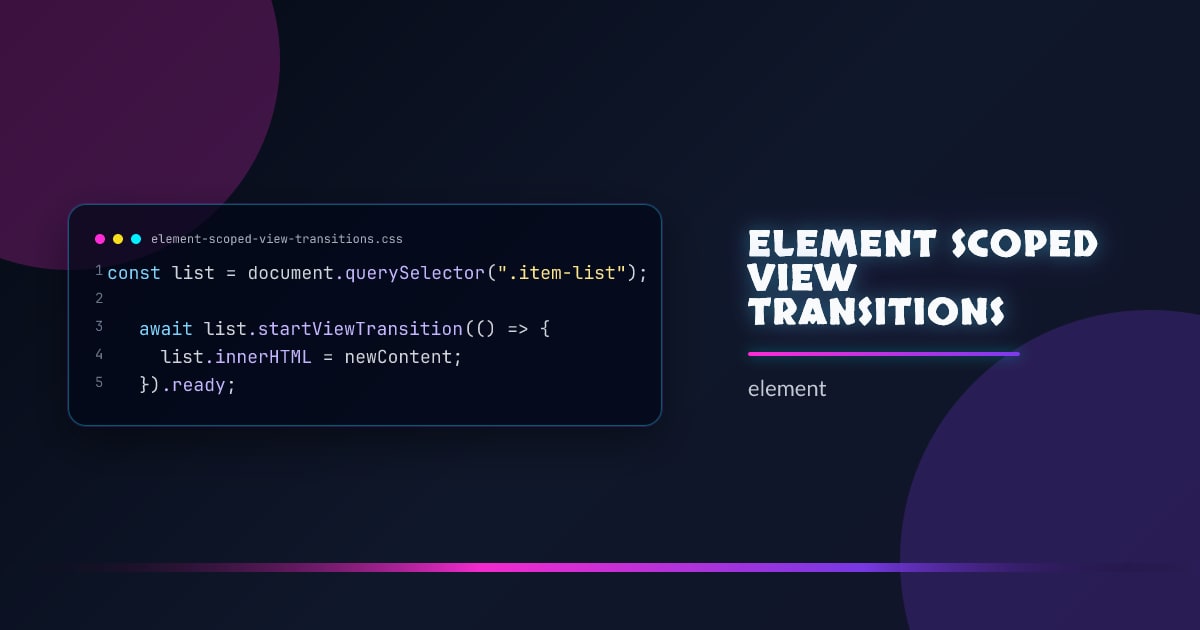
View transitions started as a page-level API. Element-scoped view transitions let you run the same smooth snapshot-and-crossfade on a single DOM subtree — no full-page repaint, no navigation required.
const list = document.querySelector(".item-list");

await list.startViewTransition(() => {
  list.innerHTML = newContent;
}).ready;
The browser snapshots the list before and after the mutation, then crossfades between them. Everything outside .item-list is untouched.
Element vs Document View Transitions
// Document-level (existing API)
document.startViewTransition(() => {
  /* DOM mutation */
});

// Element-scoped (new)
element.startViewTransition(() => {
  /* DOM mutation */
});
The element-scoped version creates an isolated transition group. Nested named view transitions inside the element still work, and the outer page transition (if any) runs independently.
Scoped Named Elements
view-transition-name inside a scoped transition is local to that scope — names don’t conflict with the document-level transition namespace:
.card {
  view-transition-name: card-image;
}
Two different scoped transitions can both have an element named card-image without collision.
Practical: Animated List Reorder
async function reorderList(listEl, newOrder) {
  await listEl.startViewTransition(() => {
    // re-sort the DOM in place
    newOrder.forEach((id) => {
      listEl.appendChild(listEl.querySelector(`[data-id="${id}"]`));
    });
  }).finished;
}
::view-transition-old(root),
::view-transition-new(root) {
animation-duration: 300ms;
animation-timing-function: ease-out;
}Each item animates from its old position to its new one — FLIP-style — with no manual position tracking.
Practical: Tab Panel Swap
tabPanel.startViewTransition(() => {
  tabPanel.innerHTML = panels[activeTab];
});
@keyframes slide-in {
from {
translate: 40px 0;
opacity: 0;
}
}
@keyframes slide-out {
to {
translate: -40px 0;
opacity: 0;
}
}
::view-transition-new(root) {
animation: slide-in 250ms ease-out;
}
::view-transition-old(root) {
animation: slide-out 250ms ease-in;
}view-transition-class
Group elements into a named class so you can style their transitions together:
.card {
  view-transition-class: card;
}

::view-transition-group(.card) {
  animation-duration: 400ms;
}
Reducing Motion
Always respect the user’s motion preference:
@media (prefers-reduced-motion: reduce) {
  ::view-transition-group(*),
  ::view-transition-old(*),
  ::view-transition-new(*) {
    animation: none !important;
  }
}
Feature Detection
if ("startViewTransition" in document.createElement("div")) {
  // element-scoped transitions supported
}
Element-scoped startViewTransition is available in Chrome 126+ and is part of the CSS View Transitions Level 2 spec.
Browser support snapshot
Live support matrix for view-transitions from
Can I Use.
Show static fallback image

Source: caniuse.com