



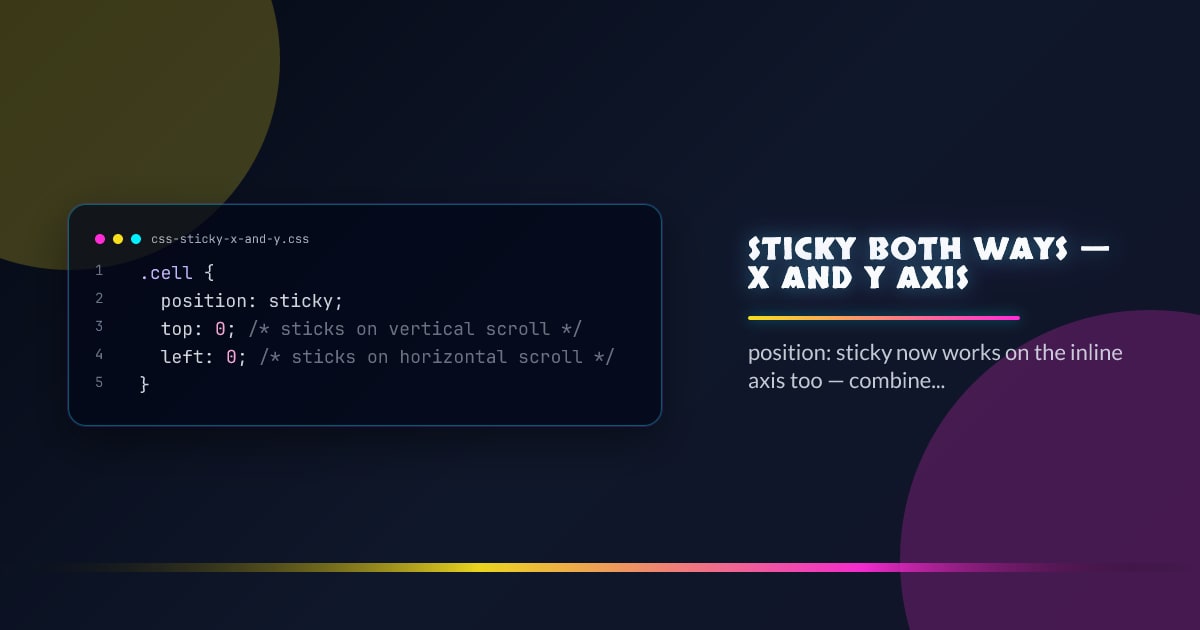
Sticky Both Ways — X and Y Axis
position: sticky has always worked on the block axis. Now it works on the inline axis too, and you can combine both for elements that stick in two dimensions simultaneously.
.cell {
  position: sticky;
  top: 0; /* sticks on vertical scroll */
  left: 0; /* sticks on horizontal scroll */
}
A table header cell with both top: 0 and left: 0 stays pinned to the top-left corner no matter which direction the user scrolls.
The Classic Table Use Case
Two-dimensional stickiness is most useful in wide data tables where you want both the header row and the first column frozen:
thead th {
  position: sticky;
  top: 0;
  z-index: 2;
  background: canvas;
}

tbody td:first-child,
thead th:first-child {
  position: sticky;
  left: 0;
  z-index: 1;
  background: canvas;
}

/* Corner cell needs both axes and the highest z-index */
thead th:first-child {
  z-index: 3;
}
The corner cell must have a higher z-index than either the row header or the column header so it appears above both when scrolling.
Per-Axis Offsets
Each axis takes its own offset independently:
.label {
  position: sticky;
  top: 1rem; /* 16px from the scroll container top */
  left: 1.5rem; /* 24px from the scroll container left */
}
Offsets can be different units on each axis. Negative offsets cause the element to stick after it has scrolled past its natural position.
Sticky Requires a Scrolling Ancestor
sticky only works relative to the nearest scrolling ancestor — the element must be inside a container with overflow: auto or overflow: scroll on the relevant axis:
.scroll-container {
  overflow: auto; /* enables sticky on both axes */
  width: 100%;
  max-height: 400px;
}
If the parent has overflow: hidden on an axis, sticky is silently disabled on that axis.
Combining with scroll-snap
Sticky positioning and scroll-snap compose correctly — snap points still fire even when elements are sticky:
.scroll-container {
  overflow-x: auto;
  scroll-snap-type: x mandatory;
}

.panel {
  scroll-snap-align: start;
}

.panel-label {
  position: sticky;
  left: 1rem;
}
Sticky and Subgrid
In a subgrid layout, sticky cells respect their grid-track boundaries — a sticky cell won’t scroll past the end of its row or column:
.grid {
  display: grid;
  grid-template-columns: subgrid;
  overflow: auto;
}

.sticky-col {
  position: sticky;
  left: 0;
}
Debugging Sticky
The most common reason sticky stops working:
- A parent has
overflow: hidden— inspect the ancestor chain - The element has no explicit offset (
top/left/etc.) — sticky requires at least one - The sticky element is taller than its scroll container — nothing to stick to
// Quick check: walk ancestors for overflow issues
function findStickyBlocker(el) {
  let node = el.parentElement;
  while (node) {
    const style = getComputedStyle(node);
    if (["hidden", "clip"].includes(style.overflow)) {
      return node;
    }
    node = node.parentElement;
  }
  return null;
}
Browser support snapshot
Live support matrix for css-sticky from
Can I Use.
Show static fallback image

Source: caniuse.com