






::search-text and :current Pseudo-Classes
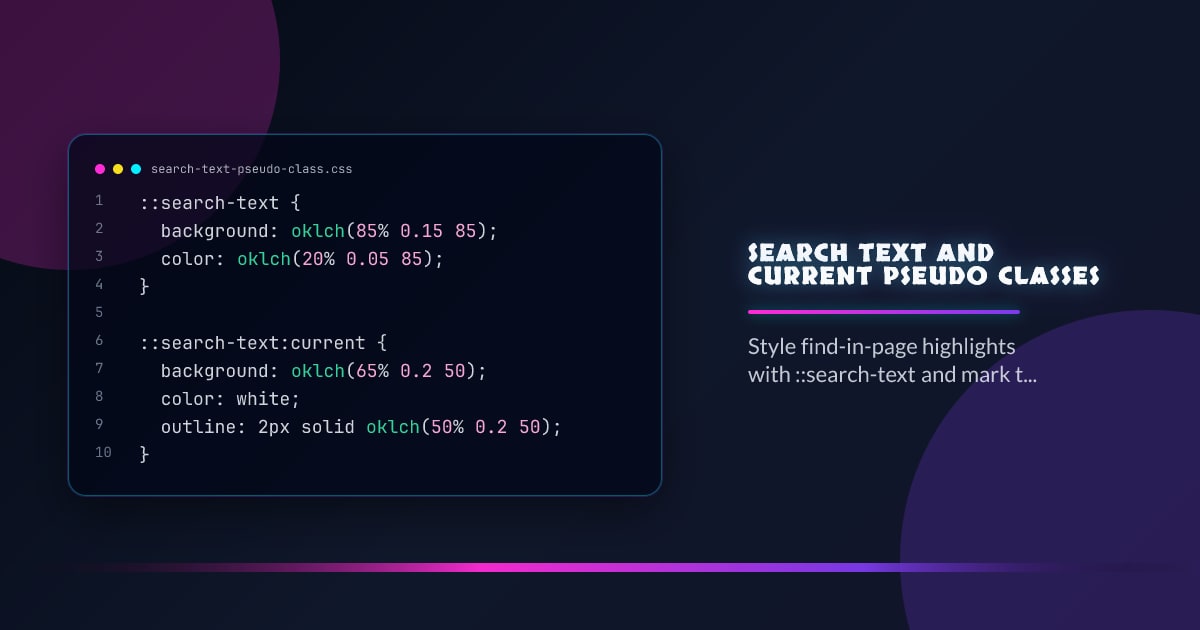
The ::search-text pseudo-element styles text that matches an active find-in-page or highlight search. The :current pseudo-class marks the currently focused match — the one the browser scrolls to. Together they let you customize the native find experience with your own highlight colors and emphasis.
::search-text {
  background: oklch(85% 0.15 85);
  color: oklch(20% 0.05 85);
}

::search-text:current {
  background: oklch(65% 0.2 50);
  color: white;
  outline: 2px solid oklch(50% 0.2 50);
}
The browser’s default yellow highlights are replaced by your styled variants. The :current modifier targets only the active (focused) match.
How It Relates to Highlight Pseudo-Elements
::search-text joins the existing highlight pseudo-element family:
/* Browser find-in-page */
::search-text {
}

/* OS-level text selection */
::selection {
}

/* CSS Custom Highlight API */
::highlight(my-search) {
}

/* Grammar/spelling squiggles */
::spelling-error {
}
::grammar-error {
}
All these pseudo-elements only support a subset of CSS properties: color, background-color, text-decoration, text-shadow, outline, and a few others. Layout properties have no effect.
:current Without ::search-text
:current is a general pseudo-class for the “active” item in a sequence. It’s also proposed for use with Web Animations and timed content — not just search:
/* Active search match */
::search-text:current {
  outline: 2px solid blue;
}

/* Active Web Animation timeline position (proposed) */
.slide:current {
  opacity: 1;
}
Custom Highlight API as an Alternative
If you need full control today — before ::search-text lands — the CSS Custom Highlight API lets you paint highlights programmatically:
const ranges = getSearchRanges(query); // your search logic
const highlight = new Highlight(...ranges);
CSS.highlights.set("search-results", highlight);
::highlight(search-results) {
background: oklch(85% 0.15 85);
}
::highlight(search-results):where(:focus-within, :target) {
background: oklch(65% 0.2 50);
}The Custom Highlight API is fully shipped in all evergreen browsers. ::search-text is newer and limited to find-in-page integration.
Supported Properties
Only painting properties work inside highlight pseudo-elements:
::search-text {
  color: black; /* ✓ */
  background-color: yellow; /* ✓ */
  text-decoration: underline; /* ✓ */
  text-shadow: 0 1px 2px red; /* ✓ */
  font-size: 1.2em; /* ✗ — no layout */
  padding: 4px; /* ✗ — no box model */
}
Feature Detection
@supports selector(::search-text) {
  ::search-text {
    background: oklch(85% 0.15 85);
  }
}
::search-text is in active development in Chrome and is part of the CSS Pseudo-Elements Level 5 specification.