





@scope CSS
@scope limits where a set of CSS rules applies in the DOM. It’s native CSS scoping — no build tools, no Shadow DOM, no class naming conventions required.
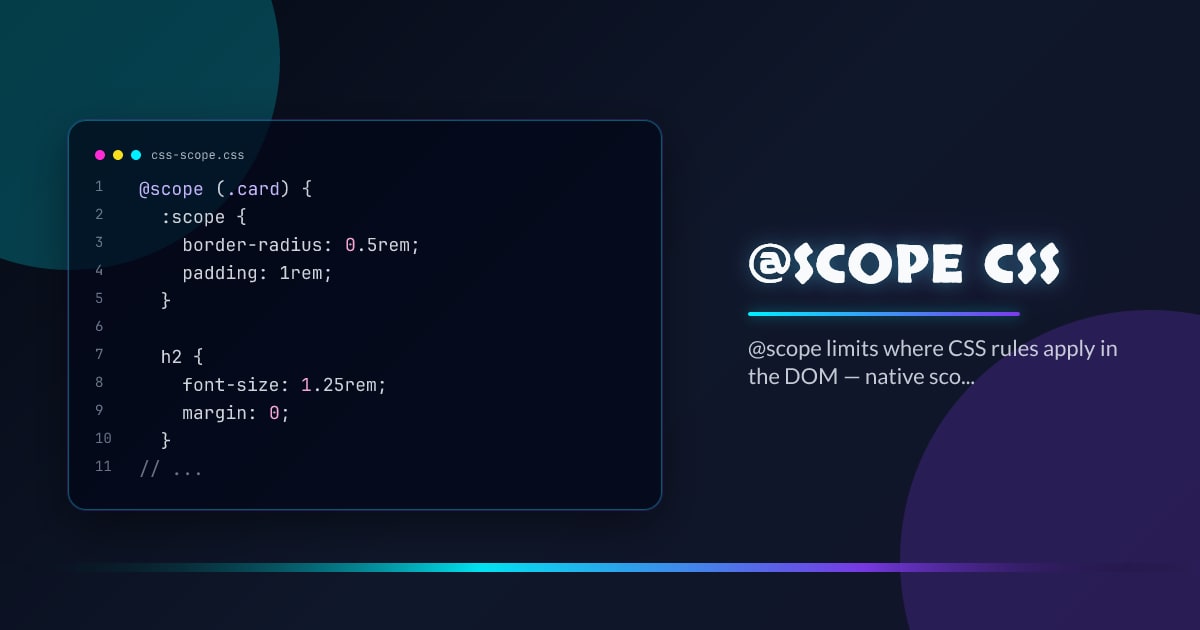
@scope (.card) {
  :scope {
    border-radius: 0.5rem;
    padding: 1rem;
  }

  h2 {
    font-size: 1.25rem;
    margin: 0;
  }

  p {
    color: oklch(40% 0.02 250);
  }
}
Rules inside @scope (.card) only match elements that are descendants of .card. h2 here can never accidentally style a heading outside that subtree.
Scope Root and Scope Limit
@scope takes two selectors: a scope root and an optional scope limit:
@scope (.article) to (.sidebar) {
  p {
    max-width: 65ch;
  }
}
The rule above matches p elements inside .article but stops at .sidebar — paragraphs inside .sidebar are excluded even if .sidebar is nested inside .article.
This “donut scope” pattern lets you write article-level prose styles without them bleeding into nested UI components.
:scope Pseudo-Class
Inside @scope, :scope refers to the scope root element itself:
@scope (.modal) {
  :scope {
    /* styles the .modal element itself */
    display: grid;
    place-items: center;
  }

  :scope > header {
    border-bottom: 1px solid currentColor;
  }
}
Inline @scope in HTML
@scope can be written inside a <style> element within the HTML it scopes. The implicit root is the <style> element’s parent:
<article>
  <style>
    @scope {
      h2 {
        font-size: 1.5rem;
      }
      p {
        line-height: 1.6;
      }
    }
  </style>
  <h2>Scoped heading</h2>
  <p>Scoped paragraph.</p>
</article>
No class selector needed — the <article> is the root automatically. This is particularly useful in CMS-authored or user-generated content blocks.
Specificity Inside @scope
@scope does not add specificity on its own. The rules inside have the same weight as if they were written without any scope at all, resolved by proximity to the scope root:
/* Both have the same specificity: (0, 0, 1) */
@scope (.card) {
  p {
    color: red;
  }
}
p {
  color: blue;
}
When two @scope blocks both match, the rule from the more proximate scope root wins — not the one with higher specificity. This resolves conflicts intuitively.
Combining with Container Queries
@scope and @container compose naturally:
.card-wrapper {
  container-type: inline-size;
}

@scope (.card-wrapper) {
  @container (inline-size > 400px) {
    :scope .title {
      font-size: 1.5rem;
    }
  }
}
Feature Detection
@supports selector(:scope) {
  /* @scope is safe to use */
}
const supported = CSS.supports("selector(:scope)");Chrome 118+, Safari 17.4+, and Firefox 128+ all ship @scope.
Browser support snapshot
Live support matrix for css-cascade-scope from
Can I Use.
Show static fallback image

Source: caniuse.com