




Media Pseudo-Classes — :playing, :paused, and Friends
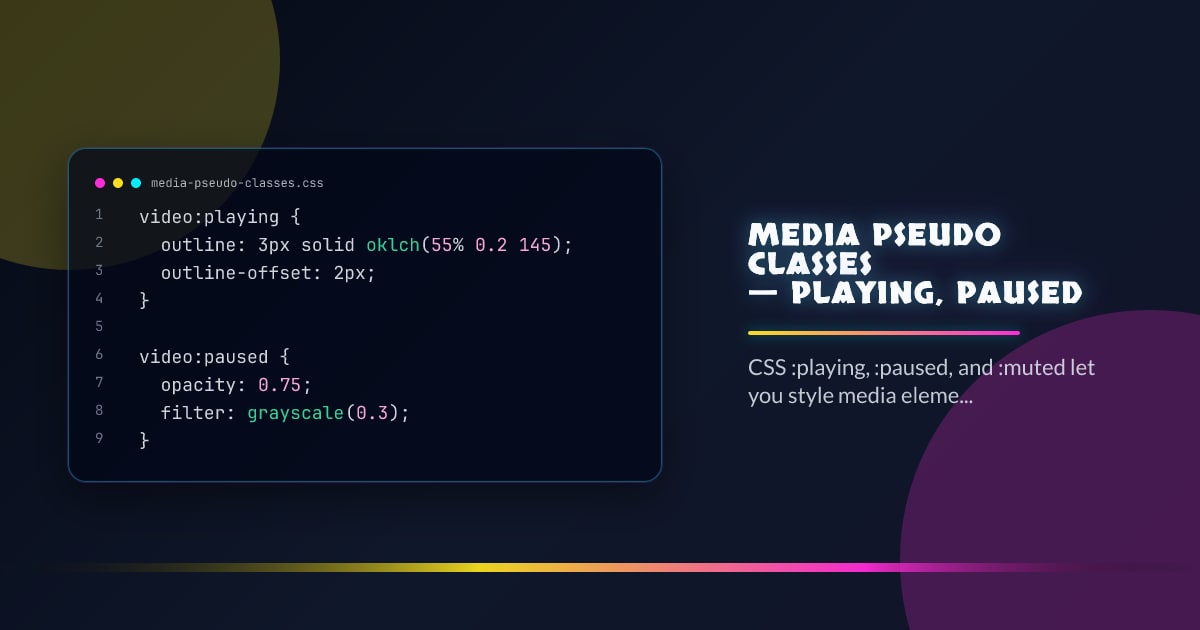
CSS media pseudo-classes let you style <video>, <audio>, and any media element based on its playback state — no JavaScript event listeners or class toggling required.
video:playing {
  outline: 3px solid oklch(55% 0.2 145);
  outline-offset: 2px;
}

video:paused {
  opacity: 0.75;
  filter: grayscale(0.3);
}
The browser keeps these pseudo-classes in sync with the media element’s state automatically.
The Full Set
/* Actively playing (not paused, not ended) */
:playing {
}

/* Paused — includes initial paused state before first play */
:paused {
}

/* Playback has reached the end */
/* (Not yet standardized — use JS ended event) */

/* Muted via the muted attribute or JS */
:muted {
}

/* Volume is zero but not muted */
:volume-locked {
}

/* Seeking — during scrub */
/* (Proposed, not yet shipped) */
:seeking {
}

/* Waiting for data (buffering) */
/* (Proposed, not yet shipped) */
:buffering {
}
Styling a Custom Player
Custom media players typically toggle classes via JavaScript. With media pseudo-classes the browser handles state:
.player {
  position: relative;
}

/* Show play button overlay when paused */
.player video:paused::after {
  content: "▶";
  position: absolute;
  inset: 0;
  display: grid;
  place-items: center;
  font-size: 3rem;
  background: rgb(0 0 0 / 0.4);
  color: white;
  pointer-events: none;
}

/* Hide it while playing */
.player video:playing::after {
  display: none;
}
:muted for Volume Indicators
.volume-icon::before {
  content: "🔊";
}

video:muted ~ .volume-icon::before {
  content: "🔇";
}
Combining with :hover
/* Show controls on hover only while playing */
video:playing:hover + .controls {
  opacity: 1;
}

video:paused + .controls {
  opacity: 1; /* always visible when paused */
}

.controls {
  opacity: 0;
  transition: opacity 200ms ease;
}
Animating Playback Indicators
@keyframes pulse {
  50% {
    opacity: 0.5;
  }
}

.record-indicator {
  display: none;
}

video:playing ~ .record-indicator {
  display: block;
  animation: pulse 1s ease-in-out infinite;
}
:paused Covers the Initial State
:paused matches a media element before the user has interacted with it at all — the paused attribute is set by default. This means your paused styles appear immediately on load, which is usually what you want for an initial poster or play button.
Feature Detection
@supports selector(video:playing) {
  /* media pseudo-classes supported */
}
:playing and :paused shipped in Chrome 117, Firefox 92, and Safari 15.4. :muted is more recent — check caniuse before shipping.
Browser support snapshot
Live support matrix for css-media-interaction from
Can I Use.
Show static fallback image

Source: caniuse.com