



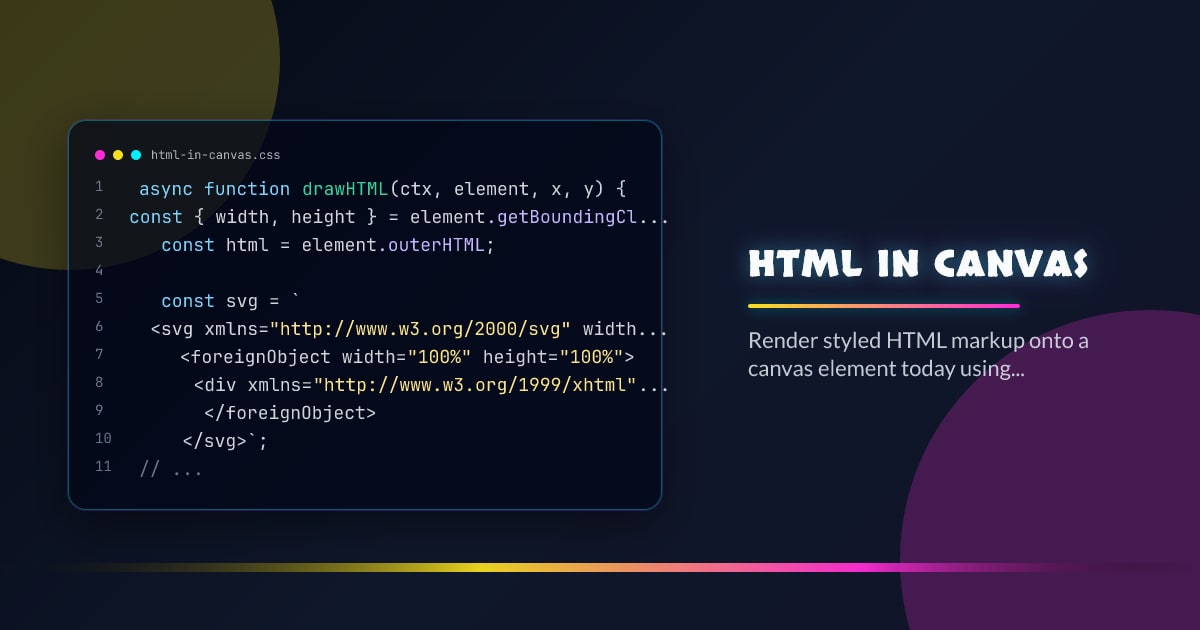
HTML in Canvas
Rendering styled HTML markup directly on a <canvas> has always been the hack nobody wanted to document. The SVG <foreignObject> route works across modern browsers today; a native drawHTMLElement() method is in active standardization.
SVG foreignObject
The classic approach: serialize HTML into an SVG blob, draw the SVG onto an Image, then paint it onto canvas.
async function drawHTML(ctx, element, x, y) {
  const { width, height } = element.getBoundingClientRect();
  const html = element.outerHTML;

  const svg = `
    <svg xmlns="http://www.w3.org/2000/svg" width="${width}" height="${height}">
      <foreignObject width="100%" height="100%">
        <div xmlns="http://www.w3.org/1999/xhtml">${html}</div>
      </foreignObject>
    </svg>`;

  const blob = new Blob([svg], { type: "image/svg+xml" });
  const url = URL.createObjectURL(blob);

  const img = await new Promise((resolve, reject) => {
    const image = new Image();
    image.onload = () => resolve(image);
    image.onerror = reject;
    image.src = url;
  });

  ctx.drawImage(img, x, y);
  URL.revokeObjectURL(url);
}
The key gotcha: external resources (fonts, images, stylesheets) do not load inside foreignObject unless inlined. Computed styles must be cloned into style.cssText if you need pixel-perfect output.
Inline Styles Before Serializing
function cloneWithInlineStyles(element) {
  const clone = element.cloneNode(true);
  const originals = [element, ...element.querySelectorAll("*")];
  const clones = [clone, ...clone.querySelectorAll("*")];

  for (let i = 0; i < clones.length; i++) {
    const computed = getComputedStyle(originals[i]);
    clones[i].style.cssText = computed.cssText;
  }

  return clone;
}
Pass the clone’s outerHTML to drawHTML above and fonts, colors, and spacing all survive the round-trip.
OffscreenCanvas + Worker
For non-blocking renders, transfer the canvas to a worker:
// main.js
const offscreen = canvas.transferControlToOffscreen();
worker.postMessage({ canvas: offscreen, html: el.outerHTML }, [offscreen]);

// worker.js
self.onmessage = async ({ data: { canvas, html } }) => {
  const ctx = canvas.getContext("2d");
  const { width, height } = canvas;

  const svg = `<svg xmlns="http://www.w3.org/2000/svg"
    width="${width}" height="${height}">
    <foreignObject width="100%" height="100%">
      <div xmlns="http://www.w3.org/1999/xhtml">${html}</div>
    </foreignObject>
  </svg>`;

  const blob = new Blob([svg], { type: "image/svg+xml" });
  const bitmap = await createImageBitmap(blob);
  ctx.drawImage(bitmap, 0, 0);
  bitmap.close();
};
createImageBitmap accepts SVG blobs directly — no intermediate Image element needed in a worker context.
Security Constraints
Browsers taint the canvas as soon as a cross-origin resource touches it. toDataURL() and getImageData() both throw after a tainted draw. Mitigations:
- Host all assets on the same origin or a CORS-enabled CDN
- Use
crossOrigin = "anonymous"on images before drawing - Check
canvas.mozOpaque/willReadFrequentlyhints for GC pressure
const ctx = canvas.getContext("2d", { willReadFrequently: true });Native drawHTMLElement() — In Standardization
The Canvas 2D spec is working toward a first-class drawHTMLElement() method that eliminates the resource-loading and style-isolation limitations of the foreignObject route:
const ctx = canvas.getContext("2d");

// Proposed API — in development
await ctx.drawHTMLElement(document.querySelector(".card"), 0, 0, {
  width: 400,
  height: 300,
});
Unlike foreignObject, the native method has full access to the document’s resource cache — fonts, images, and external CSS all resolve. Origin security restrictions still apply.
Feature-detect before use:
const supportsDrawHTMLElement =
  "drawHTMLElement" in CanvasRenderingContext2D.prototype;
Use Cases
Screenshot-to-canvas — capture DOM nodes for image export, social sharing cards, or canvas-based print previews without a headless browser.
WebGL label textures — bake styled HTML labels onto THREE.CanvasTexture quads without maintaining parallel DOM overlays.
Canvas-based PDF generation — compose paginated HTML layouts and serialize to JPEG/PNG strips via canvas.toBlob().
Browser support snapshot
Live support matrix for canvas from
Can I Use.
Show static fallback image

Source: caniuse.com