



Haptic Feedback API (Vibration)
The Vibration API lets you trigger haptic feedback on mobile devices with a single method call. It’s been shipping in Android browsers for years and is a reliable progressive enhancement for touch-heavy UIs.
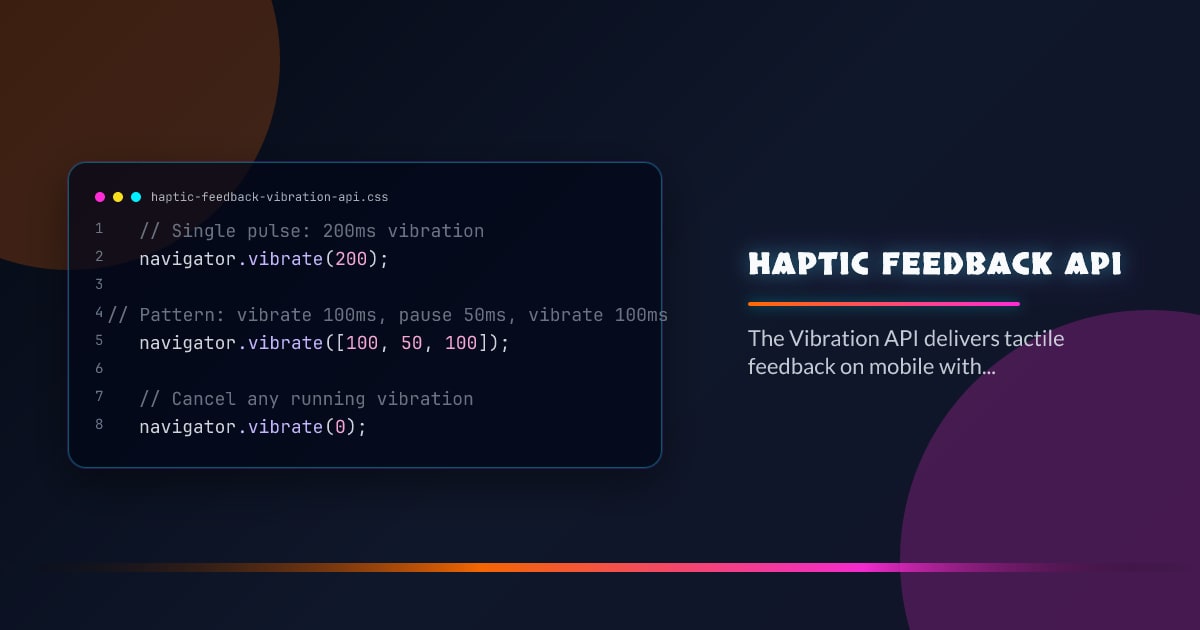
// Single pulse: 200ms vibration
navigator.vibrate(200);

// Pattern: vibrate 100ms, pause 50ms, vibrate 100ms
navigator.vibrate([100, 50, 100]);

// Cancel any running vibration
navigator.vibrate(0);
Feature Detection
if ("vibrate" in navigator) {
  navigator.vibrate(50);
}
Always guard with a feature check. The API returns false on desktop or when vibration is blocked by the user agent — it never throws.
Patterns for Common Interactions
Define a small set of named haptic patterns and reuse them across the app:
const haptics = {
  tap: () => navigator.vibrate(10),
  confirm: () => navigator.vibrate([20, 30, 20]),
  error: () => navigator.vibrate([50, 20, 50, 20, 50]),
  success: () => navigator.vibrate([10, 40, 80]),
};

// Wire up to interactions
button.addEventListener("click", () => {
  haptics.tap();
  doThing();
});
Short pulses (10–30ms) feel like a tap; longer ones (50–100ms) feel like a thud. Patterns with multiple pulses communicate sequences — useful for errors or confirmations.
Accessibility Considerations
Some users are sensitive to unexpected vibration. Follow these guidelines:
- Tie vibration to explicit user actions (tap, press, swipe) — never trigger autonomously
- Respect
prefers-reduced-motionas a signal that the user may want less sensory feedback - Provide a UI toggle to disable haptics and persist the preference
const prefersReduced = matchMedia("(prefers-reduced-motion: reduce)").matches;

function vibrate(pattern) {
  if (!prefersReduced && "vibrate" in navigator) {
    navigator.vibrate(pattern);
  }
}
Combining with Pointer Events
Haptics sync naturally with pointer events for drag interactions:
let dragging = false;

element.addEventListener("pointerdown", () => {
  dragging = true;
  navigator.vibrate(15); // grab feedback
});

element.addEventListener("pointerup", () => {
  if (dragging) {
    navigator.vibrate([10, 20, 10]); // release feedback
    dragging = false;
  }
});
Limitations
- iOS Safari: Apple does not expose the Vibration API. Use the
taptic enginevia native APIs in PWAs withWKWebView— not available from web content. - Duration cap: Some browsers cap maximum vibration duration per pulse (usually 10 seconds). Patterns are also subject to total duration limits.
- Background tab: Vibration is suppressed when the page is not visible.
- User gesture requirement: Chrome requires a user gesture on the page before vibration is allowed.
PWA Usage
For installable PWAs, haptics meaningfully close the gap with native apps. Wire them up to swipe-to-dismiss, pull-to-refresh, and long-press menus:
// Long-press context menu
let longPressTimer;

element.addEventListener("pointerdown", () => {
  longPressTimer = setTimeout(() => {
    navigator.vibrate(30);
    showContextMenu();
  }, 500);
});

element.addEventListener("pointerup", () => {
  clearTimeout(longPressTimer);
});
Browser support snapshot
Live support matrix for vibration from
Can I Use.
Show static fallback image

Source: caniuse.com